Mastering PCI ASV Scanning in a World That Changes Overnight
Quarterly external vulnerability scans used to feel like a neat, check‑the‑box exercise. You scheduled them on the calendar, sent the report to your bank, and moved on. In 2026, nothing stays still for three months. Companies deploy new cloud resources hourly, developers ship updates daily, and attackers weaponize zero‑days minutes after disclosure. In this environment, treating PCI ASV scanning as a quarterly ritual is like locking your doors once a season and hoping nothing changes in between.
Why “after a significant change” matters more than ever
PCI DSS v4.0.1 makes it clear that merchants must run ASV scans quarterly and after any significant change to the cardholder data environment[1]. The phrase “after a significant change” sounds innocuous until you consider what qualifies:
- Spinning up a new public‑facing server or adding a sub‑domain
- Switching from Apache to NGINX or updating your web framework
- Moving your site behind Cloudflare or AWS WAF
- Reconfiguring firewall rules or routing through a new CDN
Every one of these events alters your external attack surface. Wait until the next quarter and you might spend months operating with an untested perimeter. Running an ASV scan immediately after each significant change not only keeps you compliant but also protects you from the silent risk of new vulnerabilities.
Action steps:
- Track changes in real time. Use infrastructure‑as‑code tools and change management tickets to log every new host, service, or network rule that affects public access.
- Set triggers for scans. Configure your ASV provider’s API (or email notifications) to initiate a scan automatically when a change ticket closes.
- Document evidence. Keep a simple log that records when the change was implemented, when the scan was run, and any remediation steps. Your acquirer’s portal will ask for this information if you ever dispute findings or need an exception[2].
Vendor promises vs. reality: compliance is on you
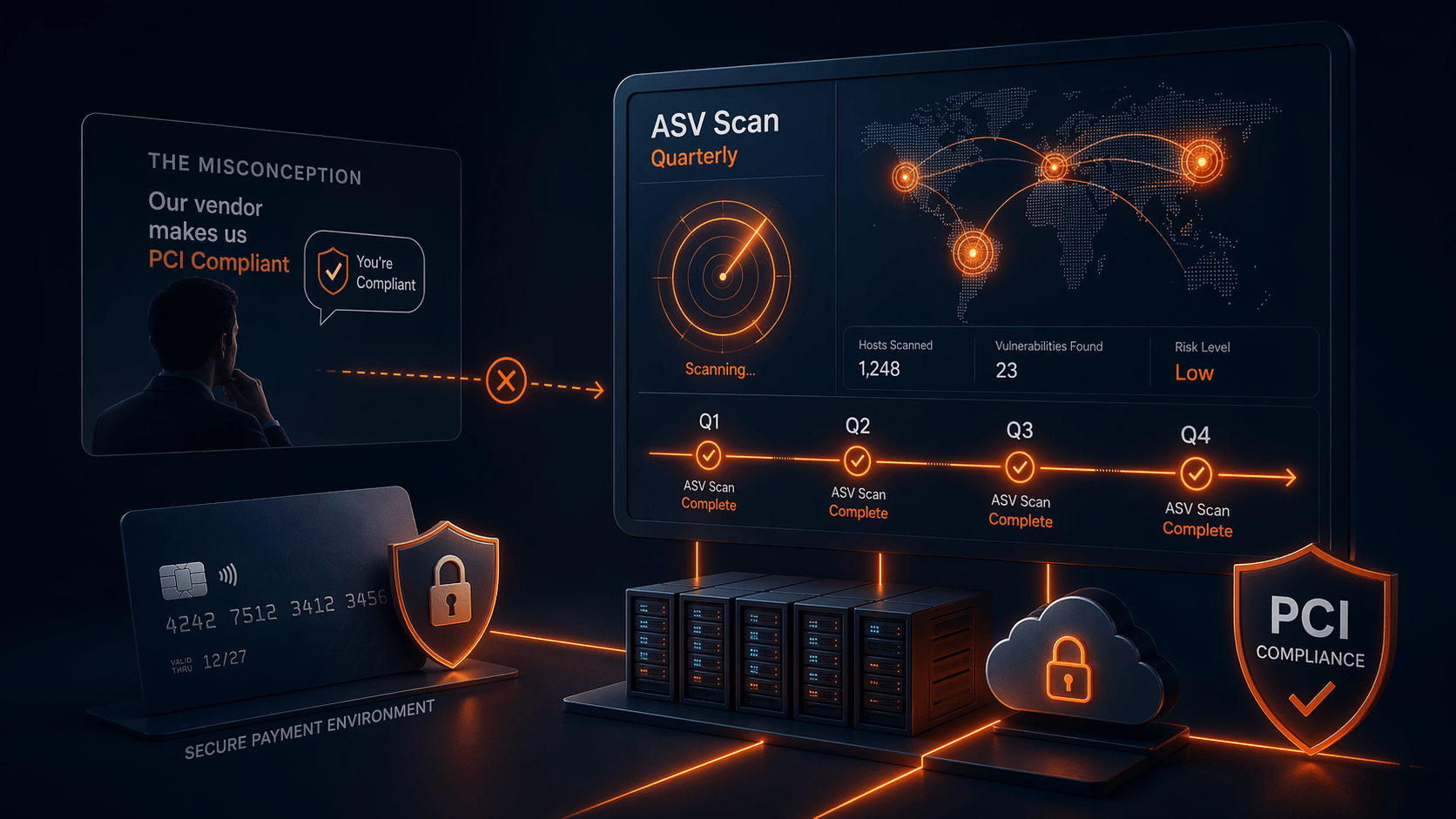
Another misconception we see regularly is the belief that if a service provider or hosting vendor claims to be PCI compliant, then your business must be compliant as well. Many merchants move to a new vendor because they have been told “we handle PCI for you.” This myth is pervasive. SecurityMetrics notes that there are many versions of the claim — “My hosting provider is PCI compliant, so my site is compliant” or “My merchant service provider does my PCI for me” — yet just because a vendor or a product is built to be PCI compliant does not mean your organisation automatically meets the requirements[3]. PCI compliance applies to the organisation, not just the tools you use. Your hosting provider may offer a PCI‑capable environment, but you are still responsible for adhering to the standard.
Similarly, Evervault points out that fully outsourcing payment processing does not exempt you from ASV scanning requirements: even if you use embedded iframes or payment redirects to a third‑party processor, you still need to run quarterly ASV scans[4]. Vendors often misrepresent “PCI compliance” as a one‑size‑fits‑all solution, but the PCI DSS requires merchants to scan every quarter and after significant changes[5]. Outsourcing can simplify some parts of compliance, but it does not eliminate your obligations.
Action steps:
- Ask for proof, not promises. When a vendor claims they will “make you PCI compliant,” request documentation of their ASV scanning schedule and scope. Verify that quarterly scans are performed on your public‑facing assets, not just on their own infrastructure.
- Remember that you own your compliance. No third party can certify your compliance on your behalf[3]. Even with managed services, you must ensure that quarterly scans and remediations happen.
- Beware of “scan once and done.” Some providers may offer a vulnerability scan as part of onboarding and call it a day. PCI DSS clearly requires four scans per year and additional scans after changes[5]. If your vendor is not delivering this cadence, you are not compliant.
Scope: the easiest way to fail a scan
It is amazing how many organizations fail an ASV scan not because of critical vulnerabilities but because they forgot to include something in scope. Scope mistakes are among the biggest reasons acquirers reject reports[6]. Common oversights include:
- New cloud instances spun up mid‑quarter
- API sub‑domains (e.g., api.example.com) that are overlooked because they are managed by a different team
- Staging environments that accidentally became public when a DNS entry was misconfigured
- Third‑party services integrated into your checkout flow
Action steps:
- Maintain a living asset inventory. Use automated discovery tools to scan DNS records and cloud providers for public IPs and hostnames. Regularly cross‑reference this list with your cardholder data environment.
- Review scope before every scan. Make a checklist for the first week of each quarter: confirm public IPs, sub‑domains, cloud resources, and third‑party services. Document exclusions with your QSA.
- Share ownership. Encourage DevOps and product teams to flag new public endpoints. The team responsible for scanning cannot maintain scope alone.
False positives: why your scan says “fail” when you patched everything
If you have ever received an ASV report showing a vulnerability you fixed weeks ago, you are not alone. False positives are one of the most common complaints in compliance forums[7]. The scanner might flag Apache 2.4.41 as vulnerable even if your vendor back‑ported the patch and did not change the version number. Resolving these flags often feels like a bureaucratic ping‑pong match.
Action steps:
- Document your patches. Keep a central repository of release notes, vendor advisories, and back‑port documentation. When a scanner flags a version, you can quickly prove that the fix is applied.
- Prepare a “dispute kit.” Before the scan, gather before‑and‑after screenshots of configuration changes, change‑control tickets, and vendor documentation. It may feel excessive, but having this evidence ready will save days when you need to dispute a finding[8].
- Work with responsive ASVs. Some vendors review evidence quickly; others can leave you waiting weeks[9]. Evaluate ASVs based on support responsiveness and dispute processes.
WAFs, CDNs and load balancers: friends or enemies?
Security tools can inadvertently sabotage your scans. Web application firewalls, content delivery networks, and load balancers are designed to block suspicious traffic. Unfortunately, they cannot tell the difference between a malicious bot and your ASV scanner. As a result, scans may come back incomplete, or, worse, show different results depending on which backend server responded[10].
Action steps:
- Whitelist the scanner IP ranges. Obtain the full list of ASV scanner IP addresses from your vendor and add them to allow lists on your WAF, CDN and load balancer. Keep this list up to date; vendors often provide a JSON or RSS feed.
- Schedule scans during low‑traffic windows. If you run a high‑traffic e‑commerce site, scanning during peak hours can stress your infrastructure and your WAF. Schedule scans during overnight or weekend windows where you can monitor the impact.
- Test connectivity. Before the quarterly scan, run a small diagnostic to ensure the scanner can reach your site. This helps avoid the embarrassment of an incomplete scan because a firewall rule changed.
Integrating ASV scanning into DevOps pipelines
DevOps encourages rapid, continuous deployment, but PCI ASV scanning has traditionally been quarterly and manual. Forward‑thinking organizations are bridging this gap by automating external scans as part of their deployment pipeline. The benefits are substantial:
- You catch new vulnerabilities early, not three months later
- False positives are easier to resolve while the context is fresh
- Compliance is treated as a continuous process rather than a quarterly fire drill
Action steps:
- Automate asset discovery. Use your CI/CD tools to register new public endpoints (e.g., Kubernetes Ingress resources, new DNS records) into your ASV vendor’s scope list.
- Run a “pre‑release” scan. Trigger an external vulnerability scan in staging as part of your pipeline. If a high‑severity issue appears, stop the release and fix it before going live.
- Scan early each quarter. Even with continuous scanning, you must submit an official ASV report to your acquirer. Running the quarterly scan in the first month gives you time for remediation and re‑scans[11].
Navigating acquirer portals and deadlines
Different acquirers and payment brands have their own portal requirements. Some want PDF reports uploaded; others require raw XML. Some give you 30 days to remediate; others demand proof in two weeks[2]. The only constant is that each portal can add friction if you are not prepared.
Action steps:
- Read your acquirer’s guidance. Make sure you know exactly how they expect reports to be submitted, what documentation they require for disputes, and any deadlines for remediation.
- Submit early. Do not wait until the end of the quarter. Portals and reviewers get backlogged, and response times stretch dramatically[9].
- Build relationships. If possible, have a point of contact at your acquiring bank. A quick email to the right person can often clarify ambiguous rejection reasons and save days of guessing.
Why ASV scanning is necessary but not sufficient
A final reality check: passing an ASV scan does not mean you are secure. ASV scans focus on known vulnerabilities on public systems. They cannot log into your applications, test business logic, or probe internal lateral movement[12]. Attackers, however, can do all these things and more.
To build a robust security posture, pair your ASV program with:
- Regular penetration testing. Pen testers will uncover SQL injection, cross‑site scripting, and authentication bypasses that scanners miss.
- Internal vulnerability scanning. PCI DSS requires authenticated internal scans too. These catch misconfigurations and missing patches inside your network.
- Continuous monitoring and detection. Managed detection and response (MDR) services watch for suspicious activity in real time. If an attacker slips past your external defenses, you will know sooner rather than later.
Final thoughts
In 2026, external vulnerability scanning is no longer a quarterly box to tick. Rapid cloud adoption, API proliferation, and evolving attack techniques mean your attack surface changes almost as fast as your product roadmap. To stay compliant and secure, treat PCI ASV scanning as a continuous process. Run scans after every significant change, maintain a living inventory, prepare for false positives, whitelist your security tools, and integrate scanning into your CI/CD workflows. Doing so will not only satisfy the auditor but also protect your customers and brand.
If you have not revisited your ASV program since v3.2.1 or are struggling with false positives and scope headaches, reach out. Our experts can help you tune your scanning strategy, navigate acquirer portals, and integrate ASV requirements into modern DevOps pipelines.
[1] [2] [6] [7] [8] [9] [10] [11] [12] PCI DSS ASV Scans Explained: Costs, Requirements, Passing Criteria & Real-World Limitations (2026)https://www.redseclabs.com/blog/pci-dss-asv-scans-explained-costs-requirements-passing-criteria-real-world-limitations-2026
[3] 10 PCI Security Standards Mythshttps://www.securitymetrics.com/blog/10-pci-security-standards-myths
[4] [5] ASV scans: Requirements, how it works, and how Evervault can help — Blog — Evervaulthttps://evervault.com/blog/pci-asv-scanning-requirements